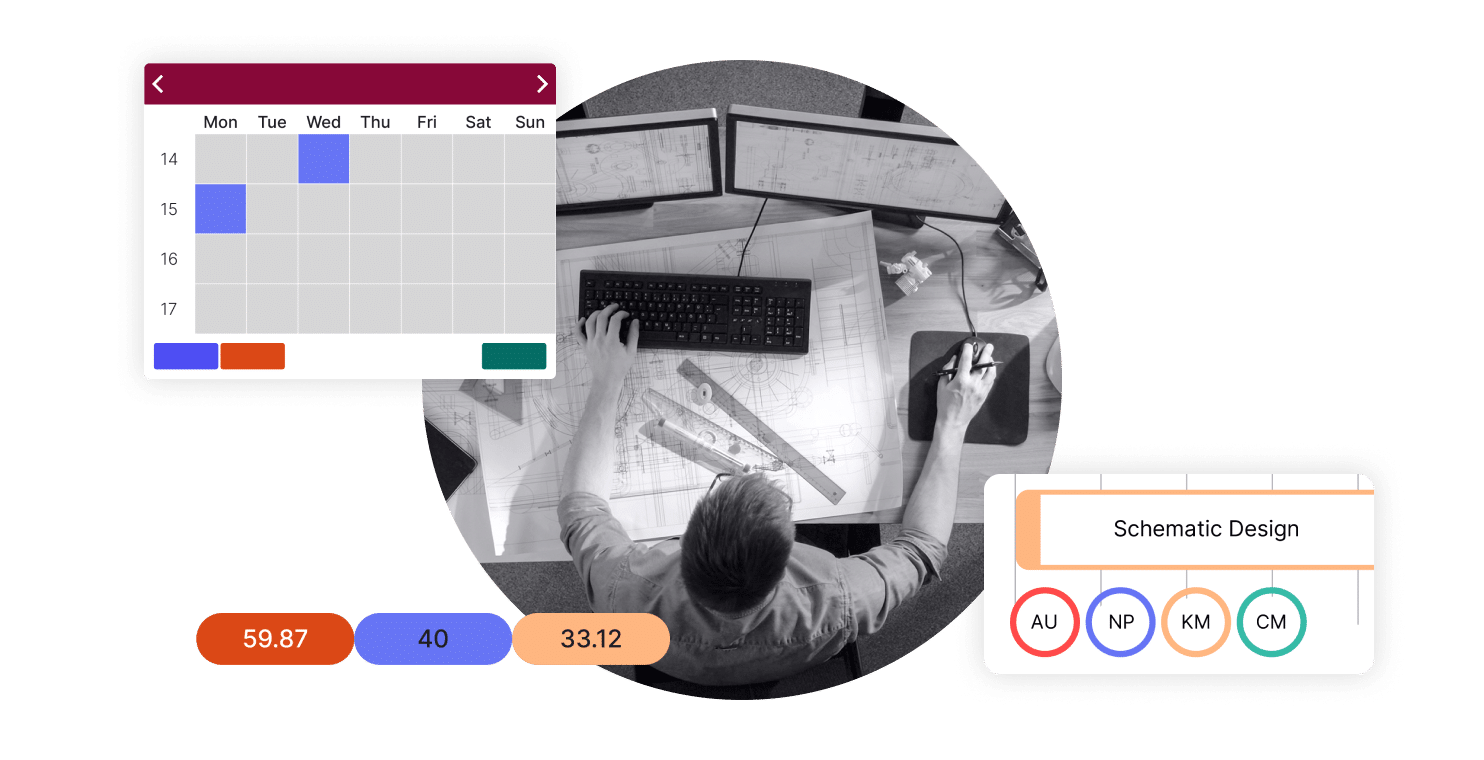
From project templates and task dependencies to Gantt charts and real-time dashboards, Total Synergy’s project management software gives you full visibility into project planning, progress, and what’s coming next.
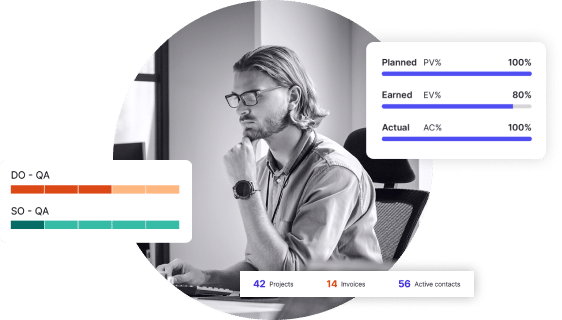

Discover additional features that expand Total Synergy’s capabilities for architecture and engineering firms.
Insights
Advanced dashboards and reports, helping you make data-driven decisions.
Learn More
Premium API
Seamless integrations with your existing tools using a powerful API.
Learn More
Synergy PIM
Centralised management for all your project documents and emails.
Learn More
Synergy HR
Simplified staff management for availability, skills, and leave tracking.
Learn More
Synergy CRM
Organised tracking for client interactions, leads, and opportunities.
Learn More
Experience comprehensive project management that adapts to your practice’s unique needs.
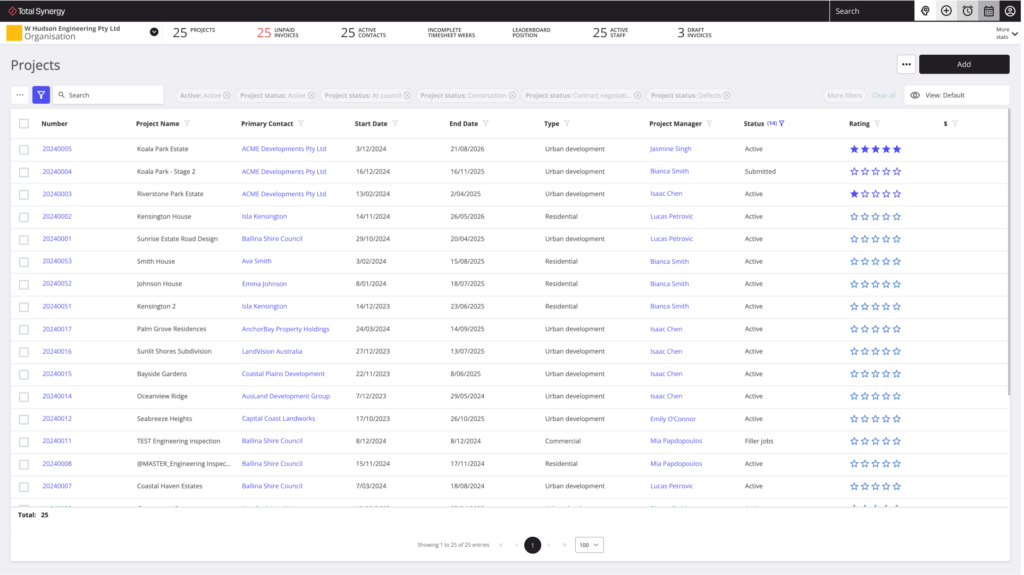
Set and track key milestones against your project roadmap to ensure deadlines are met and projects stay on course.
Double invoicing capacity
Time saved on invoicing
Saved on projects per week
Global A&E users
Our experienced team is here to guide you through how Total Synergy can transform your project management approach.
Take the first step toward transforming your practice. In just one demo, our team will show you how Total Synergy simplifies project management, project finances, and project analytics for over 18,000 A&E professionals.

OLIVIA HAMILTON, OFFICE MANAGER
LAB-WORKS ARCHITECTURE
From project management to financial clarity, explore the tools and insights that empower A&E firms to operate seamlessly and profitably.
Insights and Strategies for Optimizing Your A&E Projects
Discover articles and expert tips on enhancing project management, resource allocation, and financial oversight.
Read Our Blog
Exceptional Support for Seamless Project Management
Find out how our support team ensures your firm leverages Synergy to its fullest potential, from onboarding to ongoing assistance.
Get 24/7 Support
Solutions Built for the Unique Needs of A&E Firms
Explore how Synergy’s tools are tailored to meet the specific requirements of architecture and engineering practices.
For Architects
For Engineers
It brings project planning, task management, timelines, budgets, and team activity into one live system, rather than spread across email, spreadsheets, and separate tools. Total Synergy connects the practical side of running a project, like task dependencies and who’s doing what by when, with the financial side, like whether you’re still on budget, so project managers see both without switching platforms.
Total Synergy shows project progress against the original budget and schedule in real time, so scope creep or a slipping roadmap shows up early rather than at invoicing time. Project managers can see task status, phase progress, and remaining budget side by side on one dashboard, which makes it far easier to have the right conversation with a client before a problem becomes a write-off.
Yes. Total Synergy is built around the way A&E projects actually run, with support for multiple phases, disciplines, and sub-consultants within a single project structure. This matters for firms managing anything from a staged design commission to a project with structural, services, and architectural teams all working from the same brief and the same set of task dependencies.
Spreadsheets work until a firm has more than a handful of live projects, at which point version control, manual updates, and disconnected files start creating risk. Nobody has a single source of truth on project status, and small errors compound quickly across multiple spreadsheets. A dedicated project management tool like Total Synergy keeps project data, templates, and dashboards live and consistent for everyone on the team.
Yes. Project planning, time tracking, and invoicing all sit on the same platform, so hours logged against a task flow straight into project financials and, eventually, an invoice. This removes the double handling that happens when project plans live in one tool and billing lives in another, and it keeps your view of project profitability current rather than a month behind.
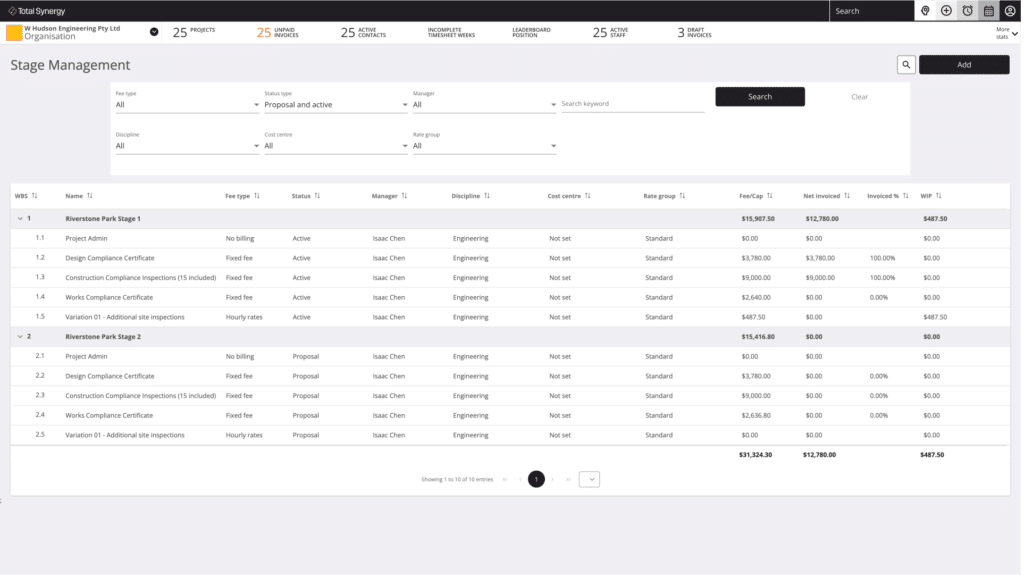
Total Synergy includes project templates, Gantt charts, work breakdown structures, and task dependencies, so you can plan a project once and reuse the structure on the next one. Milestones and a live roadmap keep the whole team aligned on what’s next, and everything rolls up into dashboards your project managers actually check.
These are capable general-purpose tools for task tracking, and plenty of teams use them well. But they treat project management and project financials as two separate problems. Total Synergy connects them: when a task on your timeline view moves, the budget, timesheet, and eventual invoice move with it. If your team has outgrown a Trello kanban board or basic scrum workflows and needs portfolio management, resource planning, and financial visibility in one place, that’s the gap Total Synergy fills.
Yes. Total Synergy integrates natively with Microsoft Teams and Salesforce, and connects to hundreds of other apps, including Zapier, through the Premium API add-on. Status updates, client records, and project data stay in sync with the rest of your tech stack, whether that’s Microsoft 365 or Google Calendar.
Simplify Product Delivery
Reduce Project Risk
Win the Right Projects
Receive 24/7 Support
Produce Budgets & Quotes
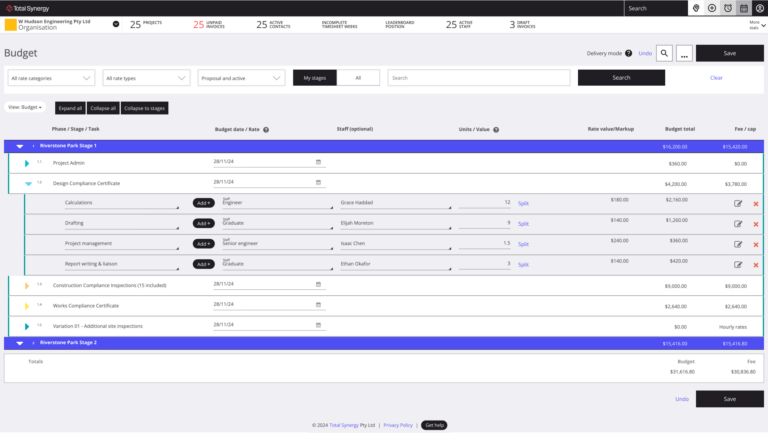
Make budgeting and quoting easier, more accurate, and less stressful.
Manage Projects
Track Time
Track time effortlessly, stay on budget, and improve billing accuracy at every project phase.
Allocate Resources
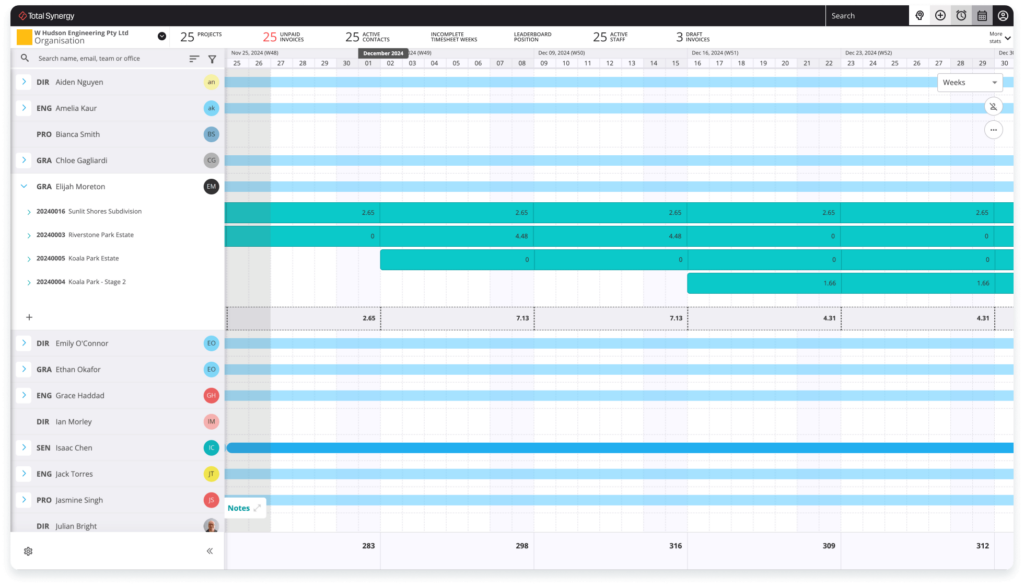
Easily see who’s working on what, their availability, and how to best balance workloads.
Process Invoices
Get invoices out faster, reduce delays, and keep cash flowing with clear project finances.
Track Finances
Make budgeting and quoting easier, more accurate, and less stressful.
Decide with Data
Make smarter decisions with real-time dashboards and reports.
Forecast Revenue
Gain crystal-clear visibility into your future revenue, project profitability, and resource needs.
Apply Document Control
Centralize your project information for seamless collaboration, better control, and fewer headaches.